Blog · Privacy & tracking · August 4, 2026 · 6 min read · Klim S
Track expenses without linking your bank account
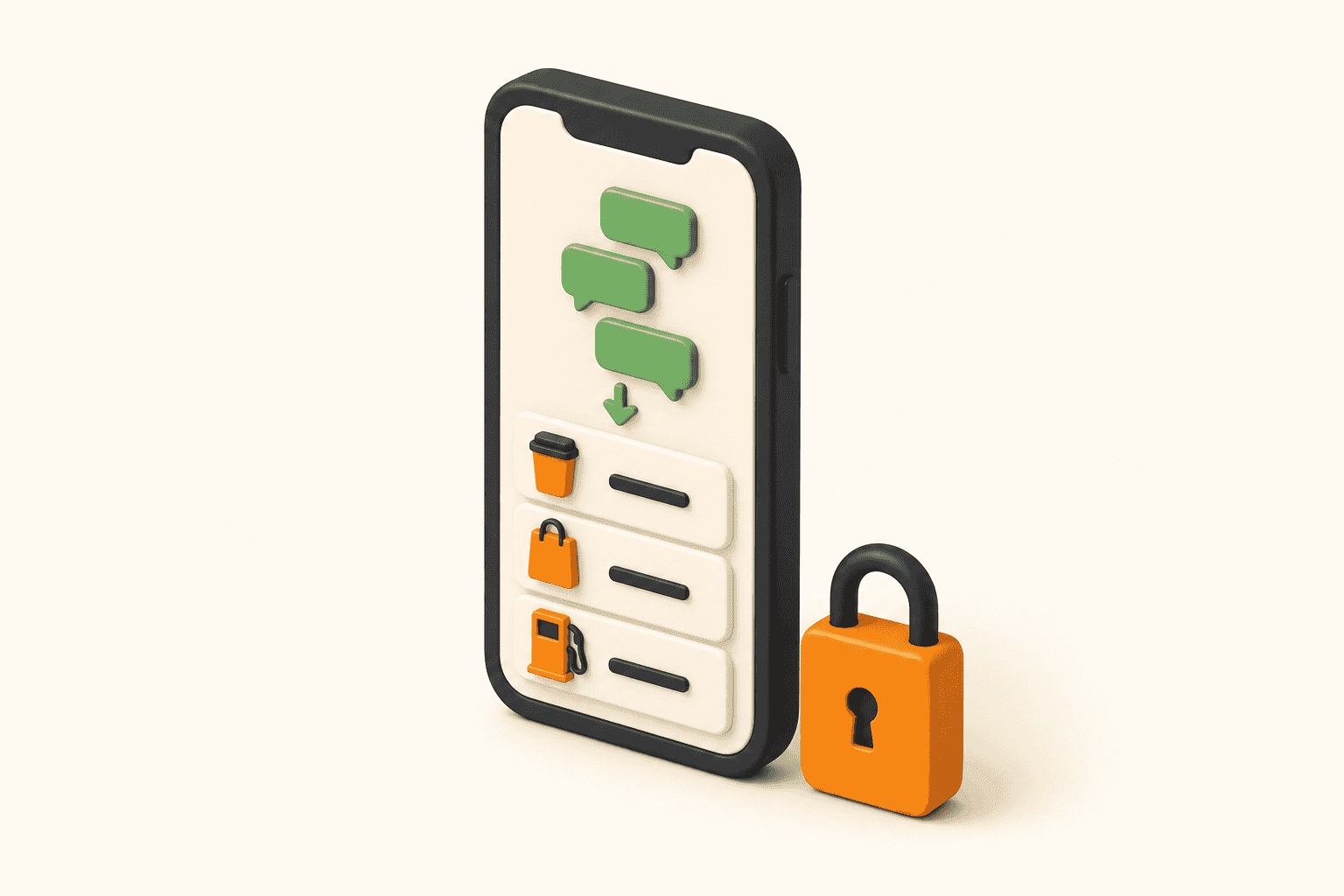
Every expense tracker eventually asks for your online banking password. Closing that tab isn’t paranoia — it’s the right instinct. And it doesn’t have to cost you automatic tracking.
The screen where people quit
The onboarding is usually excellent. Clear promises, a friendly progress bar, and then screen three: Select your bank. A grid of logos, a login box that looks like your bank’s but isn’t, and a line of small grey text assuring you the credentials are encrypted.
A lot of people close the tab there, and then go back to tracking nothing at all — a note file with four entries from March, a vague sense that groceries got expensive, and no idea where the month went. The choice on offer is “hand over your bank login” or “fly blind,” and blind keeps winning.
That’s a false choice, and it’s worth understanding why.
What you’re actually handing over
Most budgeting apps don’t connect to your bank themselves. They rent a pipe from an aggregator — Plaid in the US, Tink or TrueLayer in Europe, Salt Edge and others elsewhere. You aren’t really signing into your bank on that screen. You’re signing into a middleman that then signs into your bank.
Depending on your bank and country, one of two things happens next.
In the good case, your bank supports a proper open-banking handshake. You authenticate on your bank’s own domain and the aggregator receives a scoped, revocable token — no password ever leaves the bank. Where regulation pushes this, it’s becoming the norm.
In the other case, the aggregator collects your actual username and password and logs in as you, on a schedule. The industry term is screen scraping, and your bank generally can’t distinguish it from someone else typing your password — which is exactly the problem. The CFPB finalised its Personal Financial Data Rights rule under Section 1033 in October 2024 and expects scraping to phase out over time , but it did not ban the practice outright, and the rule has been contested since.
Either way, one fact holds: a company you didn’t choose ends up with a standing, machine-readable copy of everything you buy.
Four honest reasons to say no
None of this makes aggregators villains. They solved a real problem and most take security seriously. But “no thanks” is an informed answer, and it usually comes down to four things:
- It adds a target. Your bank holds one copy of your transaction history. Link an aggregator and there are two — and you control the security of only one.
- Most people don’t know what stays connected. In a PYMNTS study of US consumers, 78% didn’t realise data aggregators keep accessing their data even after an app is closed or deleted .
- The data is valuable to someone. Plaid agreed to a $58 million class-action settlement — granted final approval in July 2022 — over claims it collected more data than the apps using it required. Settled, not proven, and Plaid denied wrongdoing; the size of the number is still the point.
- Your bank may not be on the list. Across much of the Gulf, South Asia, Africa and Southeast Asia, the logo grid simply doesn’t contain your bank. No debate required — the door is closed.
And the discomfort is mainstream, not fringe. The same research found that among people who already had a third-party app connected to a bank account, only 9% were genuinely comfortable doing it . The industry tends to read that as an education gap. It’s more useful to read it as a preference that deserves a product.
Your bank is already telling you everything
Here’s the part that gets missed. Your phone is already buzzing with a complete record of your spending.
Every card tap, every transfer, every online order — the bank texts you within seconds. Merchant, amount, currency, card ending, time. Apple Pay sends its own notification for every tap. The ledger people try to reconstruct from memory on Sunday night has been arriving on the Lock Screen all week, one message at a time, and getting swiped away like weather.
The information problem is already solved. Only the assembly is missing.
Reading the notification instead of the account
That’s the idea behind Dibba. You forward the banking SMS and Apple Pay notifications you already receive, and the AI reads each one as it lands — pulling out merchant, amount, currency and category, and filing it in your feed. No bank login. No aggregator. No credentials, because there is nothing to log into.
Parsing them is harder than it sounds: every bank writes its messages differently, and a single country can have twenty formats. That part is our problem, not yours. If you want to see what your bank’s messages look like once parsed, we publish live examples from 20 countries.
Setup happens once and takes about two minutes. After that there is no step for you. You pay the way you always have, and the record writes itself.
What that changes in practice
The first week, most people keep opening the app to check whether it’s actually working. Coffee at 8:40 shows up in the feed at 8:41, categorised, with no input.
By the second week there’s less reason to check, because the number comes to you: today’s spending against today’s limit, on the Lock Screen. And that changes the order of things — the total starts arriving before the next purchase instead of after it. Not through discipline. Through position.
The deeper effect is that there is nothing left to fail at. A busy month can’t break automatic tracking. Travel can’t break it. Forgetting the app exists is its normal operating mode, not a lapse — which is exactly why the record survives long enough to be worth having.
The trade-offs, honestly
Notification parsing is not strictly better than a bank connection. Where it gives up ground, it gives it up clearly:
Bank login
Live balances and years of backfilled history — in exchange for credentials, a supported bank, and a third party holding a standing copy of your financial life.
Notifications
Every transaction from today onward, seconds after it happens, from any bank in any country — with no access to steal, because none was ever granted.
Concretely: no automatic balance sync, and no instant history from before you started, though you can import a statement for the back catalogue. And if a bank sends nothing — no SMS, no push — there’s nothing to read.
What you get in return is a system with no credentials in it. Nothing to leak, nothing to revoke, nothing to reconnect when your bank changes its login flow.
Who this is actually for
In markets where SMS banking is the default — the UAE and the wider Gulf, India, much of Africa and Southeast Asia — this isn’t a privacy compromise. It’s the only automatic option that works with your bank at all.
And if you live somewhere aggregators work fine but you’ve closed that signup tab more than once, the reflex was information, not stubbornness. You were declining a trade you didn’t like, and nothing else was on offer. If you want the credential-based tools compared honestly, we wrote up Mint and Copilot.
No bank credentials, ever — that’s the whole point. Two minutes of setup, and tomorrow’s coffee files itself.
Ready to save for Your Dream?
Join thousands who are already saving with us — free, in 2 minutes.
